

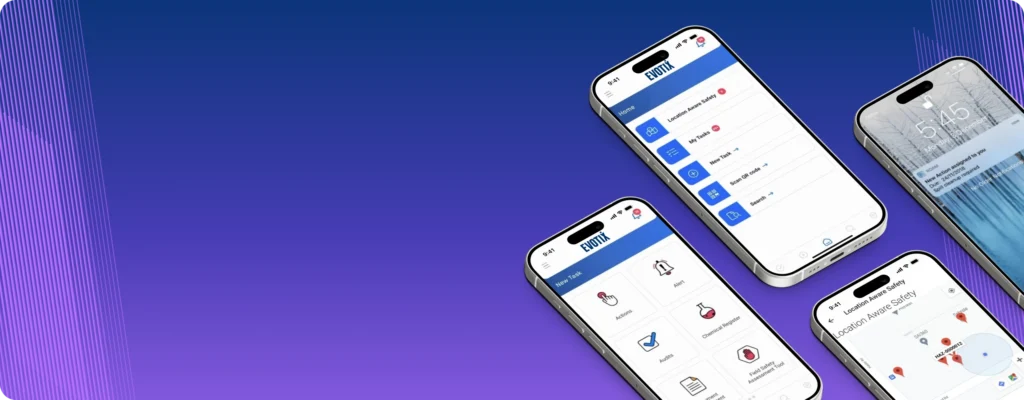
Mobile EHS software is a game changer for workplace safety, providing your workers with instant access to reporting tools and critical information. Whether it’s logging a near miss, reporting a hazard or reviewing procedures in the field, the right mobile solution helps strengthen day-to-day safety practices and ensures safety doesn’t get buried in paperwork.
But not all EHS mobile tools are created equal: you need a solution that’s built to meet your unique safety and operational needs. That’s why it’s essential to choose a mobile solution that delivers robust capabilities and functionalities. We’ve ranked the top EHS mobile software tools for field safety teams to help you select the right tool for your organization. But before we get into the best options, here’s what you should consider.
Your mobile EHS software needs to be easily accessible and available on any device or operating system, including smartphones, tablets and desktops. Be sure to explore the various ways the tool can be accessed by users, whether your team needs to access the app from the manufacturing plant, the warehouse, at heights or from the office. Thanks to recent technology like progressive web apps, you can simply send a URL to your users for them to access the app and add it to their device’s home screen. This approach eliminates the need for manual updates, streamlining the process for both you and your users.
You want an app that your team can start using right away with minimal training. The faster workers are comfortable and confident with the app, the more time to value you’ll see in the investment. When testing a mobile tool, be sure to focus on its user interface and user experience to ensure it is user-friendly and intuitive.
Consider the following questions:
A successful mobile tool should be easily configured to meet your specific needs and integrated into your existing processes. Ensure you’re able to customize the app with your company’s branding and terminology. Familiar language and a consistent look reduces friction for field workers and drives adoption so your safety program actually works.
Be sure to consider:
Any app will offer different functionality. Ensure you trial them to understand if it fits your organization.
As your organization grows and matures, you may want to expand what is available on your safety app. Ensure that you can easily control the app, make updates and decide what is available. Ensure your solution can scale with your growth and stay cost-effective. The last thing you want is to rebuild your safety infrastructure after you’ve outgrown it.
Evaluate if the app meets your security requirements. The tool should have appropriate security measures in place to protect the privacy and security of the user’s personal information.
The list below reflects widely evaluated mobile EHS solutions for mid‑market and enterprise organizations based on market presence, capabilities and customer feedback.
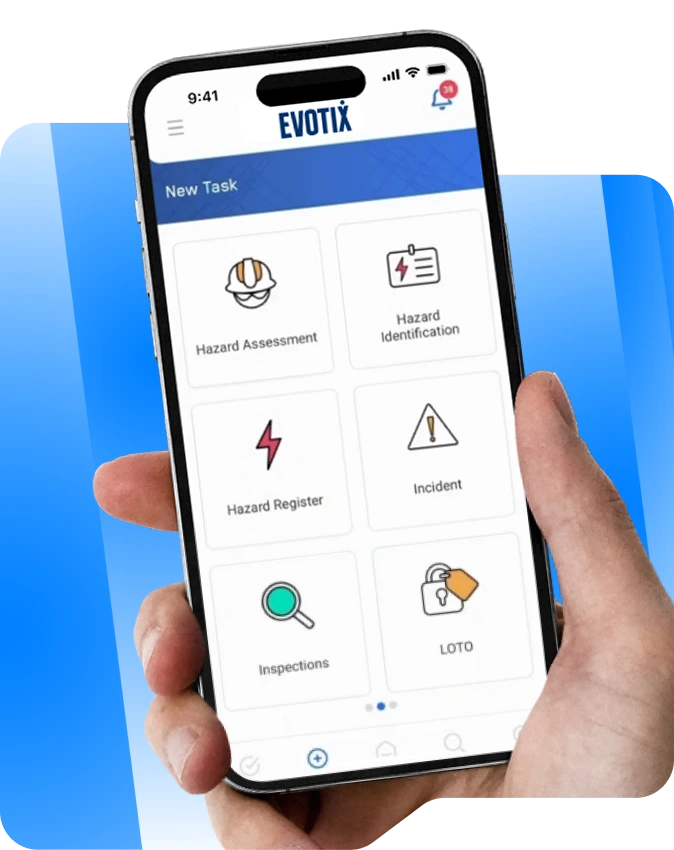
Evotix offers the best mobile EHS solution for teams looking to expand safety operations in the field and across distributed workplaces. With offline capability, Evotix Mobile provides teams with the ability to access essential safety information, log reports and see nearby hazards on the go.
Key features of Evotix’s mobile tool:
Who can benefit from Evotix Mobile?
Evotix Mobile is designed for anyone responsible for workplace safety, making it easier to embed safe practices into day‑to‑day operations. The most direct impact is felt by frontline workers who use the app in the field and safety leaders who gain timely, reliable data to support better decision‑making.
Praise for Evotix Mobile:
“The ease in which we were able to customize the system accompanied with such a user-friendly front-end app has allowed us to fully embed Evotix throughout our sites, transforming both user experience and how we act upon the data the system provides.”
-Jon Margetts, Europa
“Now, if something happens—an incident, first aid, a near miss, anything—workers can scan the QR code, get to the portal, and it takes them thirty seconds or less to fill out a report.”
![Stay productive online or offline [bg] 1](https://www.evotix.com/wp-content/uploads/2026/01/Stay-productive-online-or-offline-bg-1-850x1024.webp)
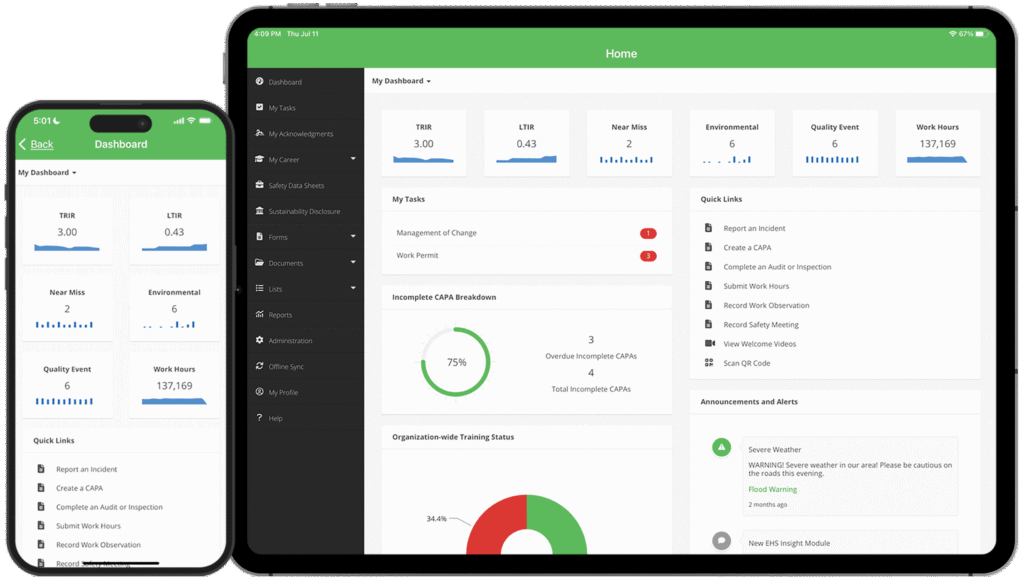
EHS Insight is a cloud‑based EHS management software provider used to manage safety, compliance and risk across a variety of industries. Their mobile app allows field teams to capture incidents, complete inspections and manage corrective actions with offline support.
Benefits of EHS Insight:
EHS Insight’s native mobile application supports incident reporting, inspections, audits and corrective action management, allowing safety activities to be completed where work happens. Designed for high-risk and fast-paced environments, the app prioritizes offline access, workflow visibility and timely approvals to help teams close out findings efficiently.
Key features:
Quentic is a modular, cloud‑based EHS and sustainability management platform designed to support occupational safety, environmental management and compliance programs.
Benefits of Quentic:
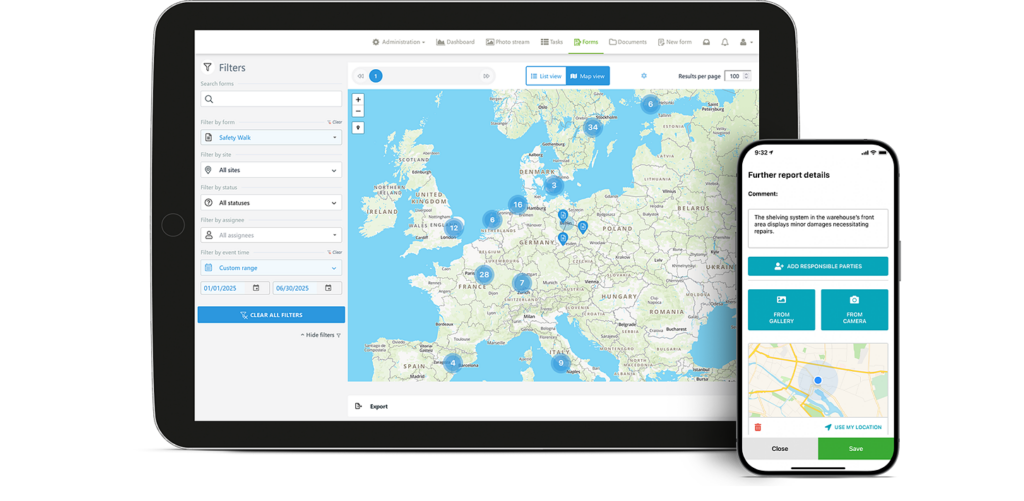
Their app extends the Quentic platform to the field, enabling users to record inspections, audits and incidents directly on mobile devices. It supports offline reporting, photo attachments and task follow-up to help teams act on EHS information as it is captured.
Key features:
Intelex is an enterprise EHSQ software provider offering a broad platform for managing safety, quality and compliance programs at scale. The company provides a mobile application designed to complement its core EHSQ platform.
Benefits of Intelex:
The Intelex EHS Mobile App enables workers to collect and submit safety data in real time from remote locations. Automated workflows and alerts help reduce manual follow-up and support consistent execution of safety processes.
Key features:
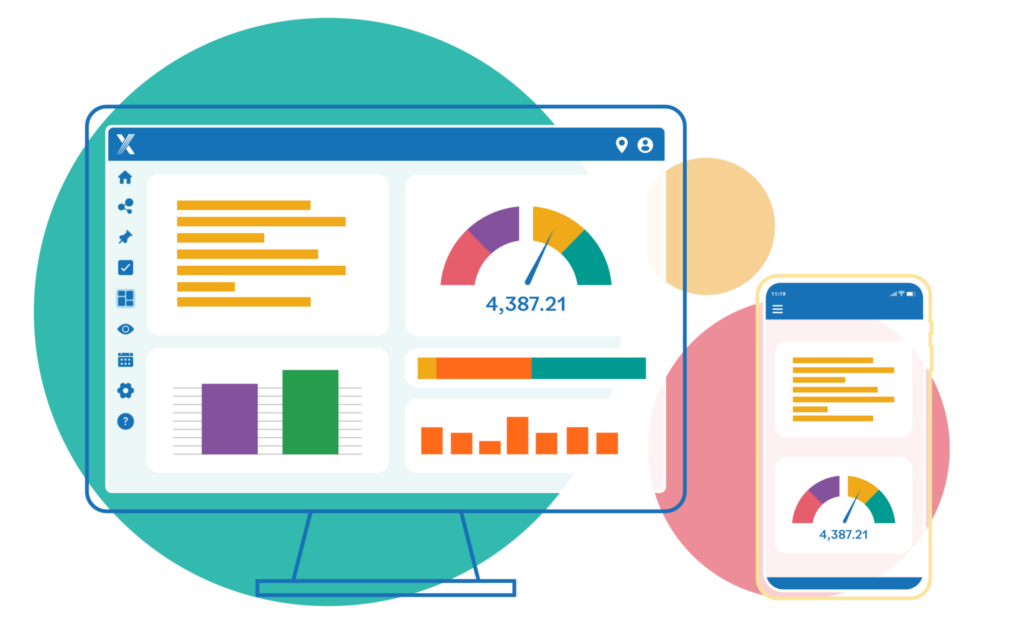
SafetyCulture is a mobile‑first operations platform focused on digitizing inspections, audits and reporting. Its app serves as the primary mobile interface for frontline teams and remote workers.
Benefits of SafetyCulture:
It’s iAuditor app allows teams to complete inspections, report hazards and collect consistent data directly from mobile devices. Automatic syncing between mobile and desktop environments supports real-time visibility into operational and compliance performance.
Key features:
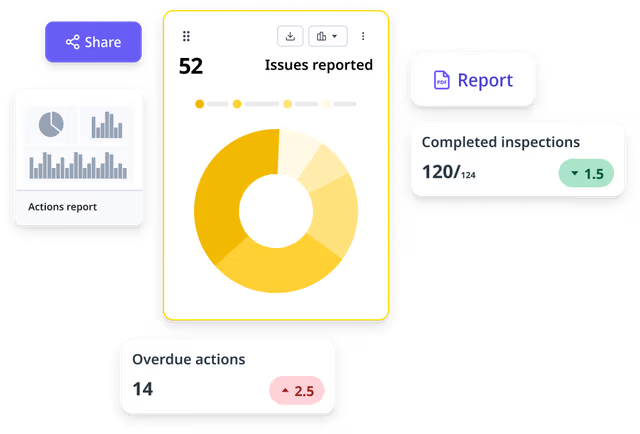
Safety Champion is a health and safety software provider offering configurable tools to manage safety programs, incidents and inspections on the go.
Benefits of Safety Champion:
The platform includes native mobile apps for iOS and Android and automatically adapts to different device types. Field users can report incidents, complete inspections and access safety information whether onsite or working remotely.
Key features:
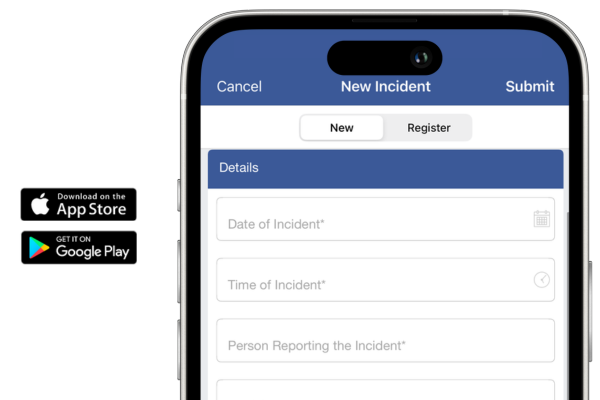
Adopting mobile technology is considered one of the biggest accelerators of digital transformation for businesses. Across high-risk operations, the use of mobile EHS tools is the key to creating a safe and healthy work environment by putting valuable knowledge right at the fingertips of frontline workers.
By equipping your workforce with mobile tools, you’re improving access while also gaining a competitive advantage. Benefits of a mobile EHS solution include:
Before evaluating a mobile EHS application, it’s important to come prepared with a clear understanding of your operations and what you want a mobile solution to support. Knowing where work happens, who will use the app and which safety processes matter most will help you ask better questions and assess whether a solution is truly fit for your environment.
Ask the following questions during a mobile EHS software evaluation:
Choosing the right mobile EHS software comes down to how well it supports real work in the field and delivers actionable insight to safety leaders. If you want to see how Evotix Mobile supports both, book a demo to explore it firsthand.
See our other recommendations for health and safety software here: Top 10 Best EHS Software: Choosing the Right Solution for Your Health and Safety Team | Evotix

Share